Microsoft 365 Copilot
Your AI Assistant for Work
Work smarter , save time , and empower every employee with AI built into Microsoft 365.
Trusted by teams everywhere. Integrates with your favorite tools




Microsoft 365 Copilot, powered by Work IQ
Work IQ is a workplace intelligence layer that helps Copilot and agents know you, your job and your company connecting data, context and tools to deliver intelligence built just for you and the flow of tour work.

Create with Copilot
Turn ideas into professional business content in minutes.

Documents
Draft proposals, reports, contracts, SOPs, and business documents in Word.

Presentations
Generate PowerPoint presentations from a simple prompt or an existing document.

Emails
Write professional emails, customer responses, announcements, and follow-ups in Outlook.

Data Insights
Ask Excel questions in plain English to
analyze trends, build formulas, and generate charts.

Visual Content
Generate meeting summaries, marketing ideas, project plans, and business content all from one AI assistant.

Automation
Create custom workflows and trigger actions across apps without writing
code.
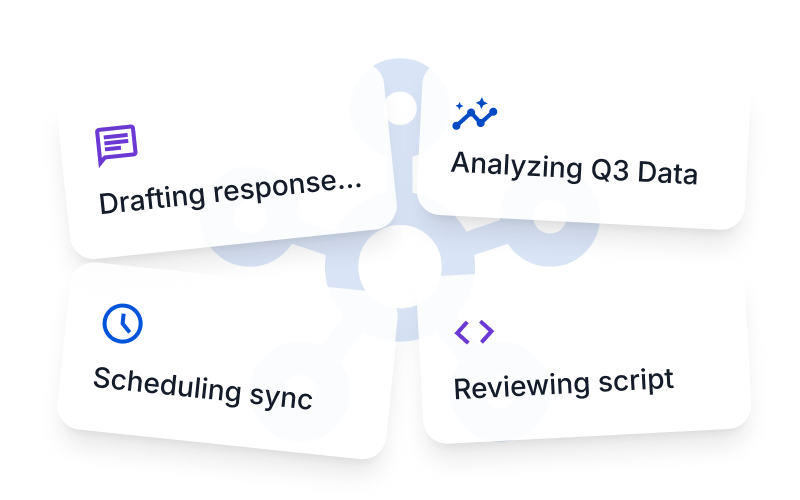
Copilot Cowork
AI That Doesn’t Just Help. It Gets the Work Done
Rather than simply answering questions, Cowork can take on complex tasks run in the background while you focus on higher value work.
Context-Aware
Proactive Suggestions
Multi-modal
Enterprise-Grade Security
Your data is your data. Fusion AI is built from the ground up to meet the strictest
enterprise compliance and security standards.

Data Privacy
You own your data and we help keep it that way. Prompts, inputs, and responses are never used to train the models

Governed Access
Copilot inherits your Microsoft 365 permissions, sensitivity labels, and retention policies so people only see what they’re meant to.

Total Control
Stay confident your AI security and oversight, with comprehensive IT tools to help manage Copilot and agents at scale.
Ready to Transform the Way Your Team Works?
Empower your employees with AI built into Microsoft 365. Whether your goal is to save time, improve productivity, or enhance collaboration, Microsoft 365 Copilot helps your business work smarter every day.

Frequently Asked Questions
Microsoft Copilot คืออะไร?
Microsoft Copilot คือฟีเจอร์ผู้ช่วยอัจฉริยะที่ใช้ AI เพื่อช่วยในการทำงานภายในแอปของ Microsoft 365 เช่น Word, Excel, PowerPoint, Outlook และ Teams โดยทำหน้าที่ช่วยสรุป เขียน วิเคราะห์ และจัดการข้อมูล
Copilot ใช้งานได้กับแอปไหนบ้าง?
ปัจจุบัน Copilot รองรับ Microsoft Word, Excel, PowerPoint, Outlook, Teams, OneNote, และอื่น ๆ ในตระกูล Microsoft 365
ต้องเชื่อมต่ออินเทอร์เน็ตหรือไม่จึงจะใช้งาน Copilot ได้?
จำเป็นต้องเชื่อมต่ออินเทอร์เน็ต เนื่องจาก Copilot ทำงานร่วมกับโมเดล AI บนคลาวด์เพื่อให้ผลลัพธ์ที่แม่นยำและอัปเดตข้อมูลล่าสุด
สามารถใช้ Copilot ช่วยเขียนเอกสารหรืออีเมลได้อย่างไร?
ผู้ใช้สามารถพิมพ์คำสั่ง เช่น “สรุปรายงานในย่อหน้าเดียว” หรือ “เขียนอีเมลตอบลูกค้าอย่างเป็นทางการ” และ Copilot จะสร้างข้อความให้ตามคำสั่ง
Copilot ปลอดภัยต่อข้อมูลส่วนบุคคลหรือไม่?
ใช่ Copilot ได้รับการออกแบบโดยยึดหลักความปลอดภัยและการปกป้องความเป็นส่วนตัว โดยข้อมูลของผู้ใช้จะไม่ถูกใช้ในการฝึกโมเดล AI และมีระบบการควบคุมสิทธิ์การเข้าถึงข้อมูลอย่างเข้มงวด